Inkpin
Draw on your screen while you present or record. The marks stay with the window you drew them on.

$19.99 · 7-day free trial · Windows 10 and 11
Marks that stay put
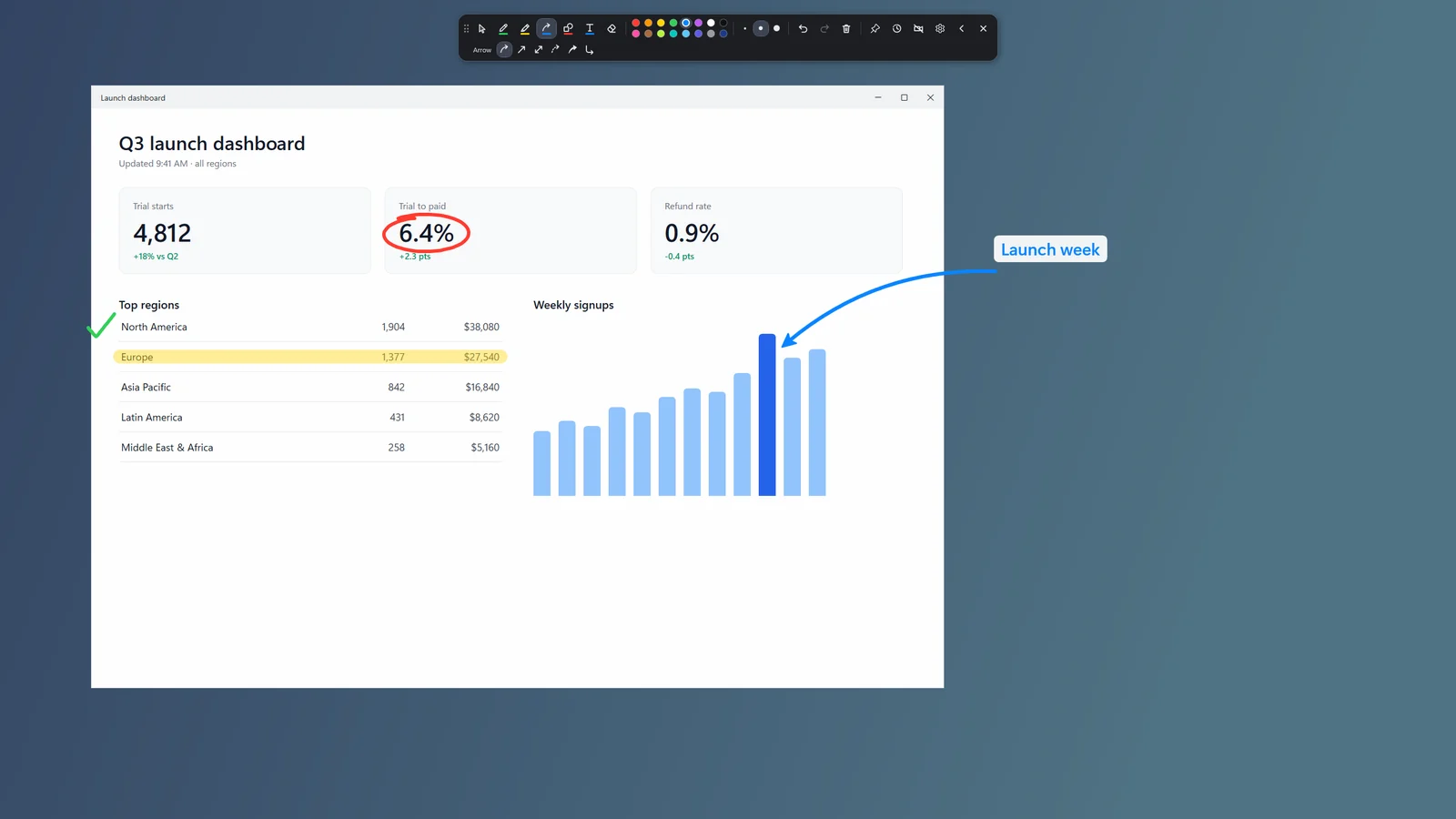
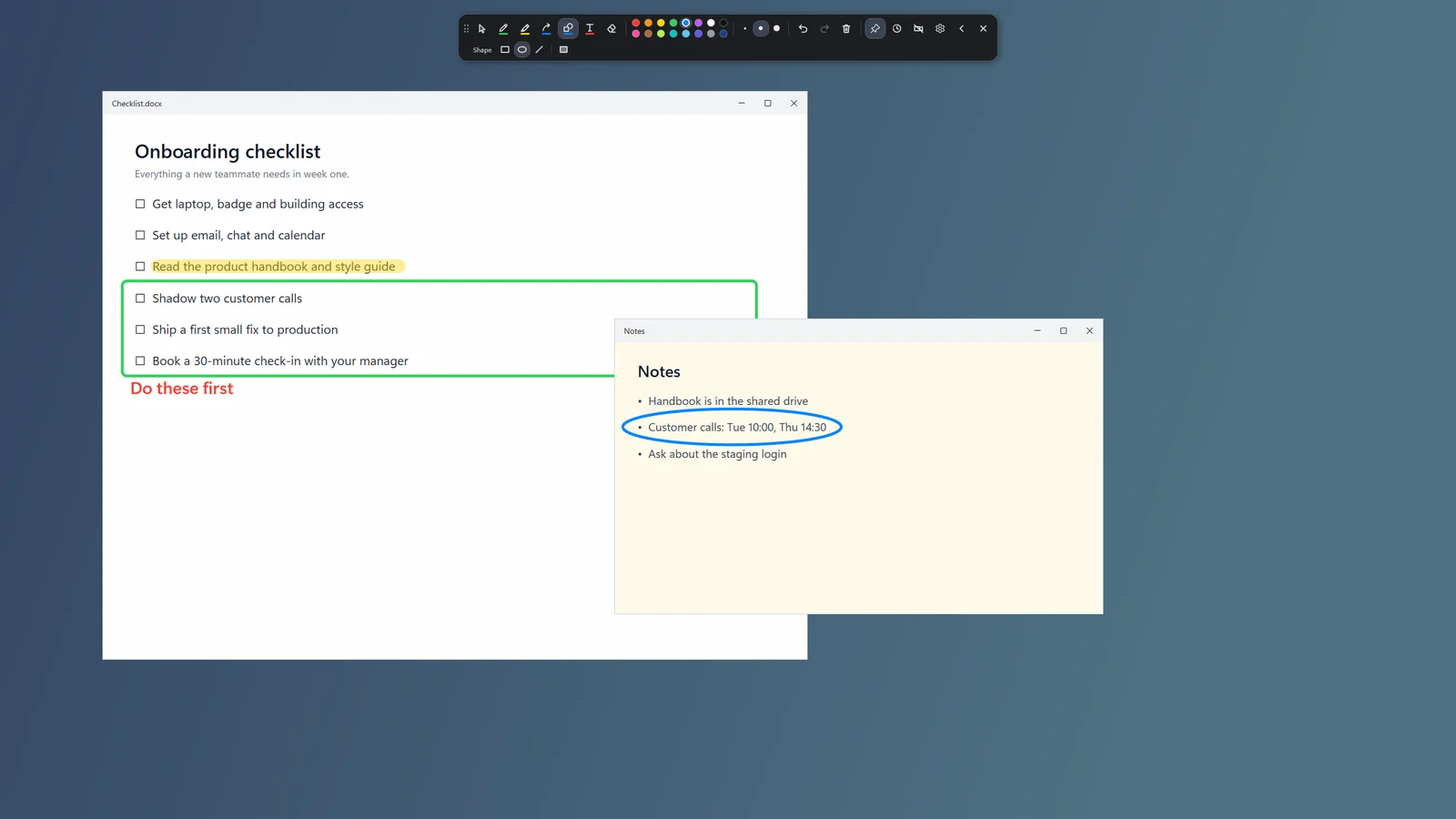
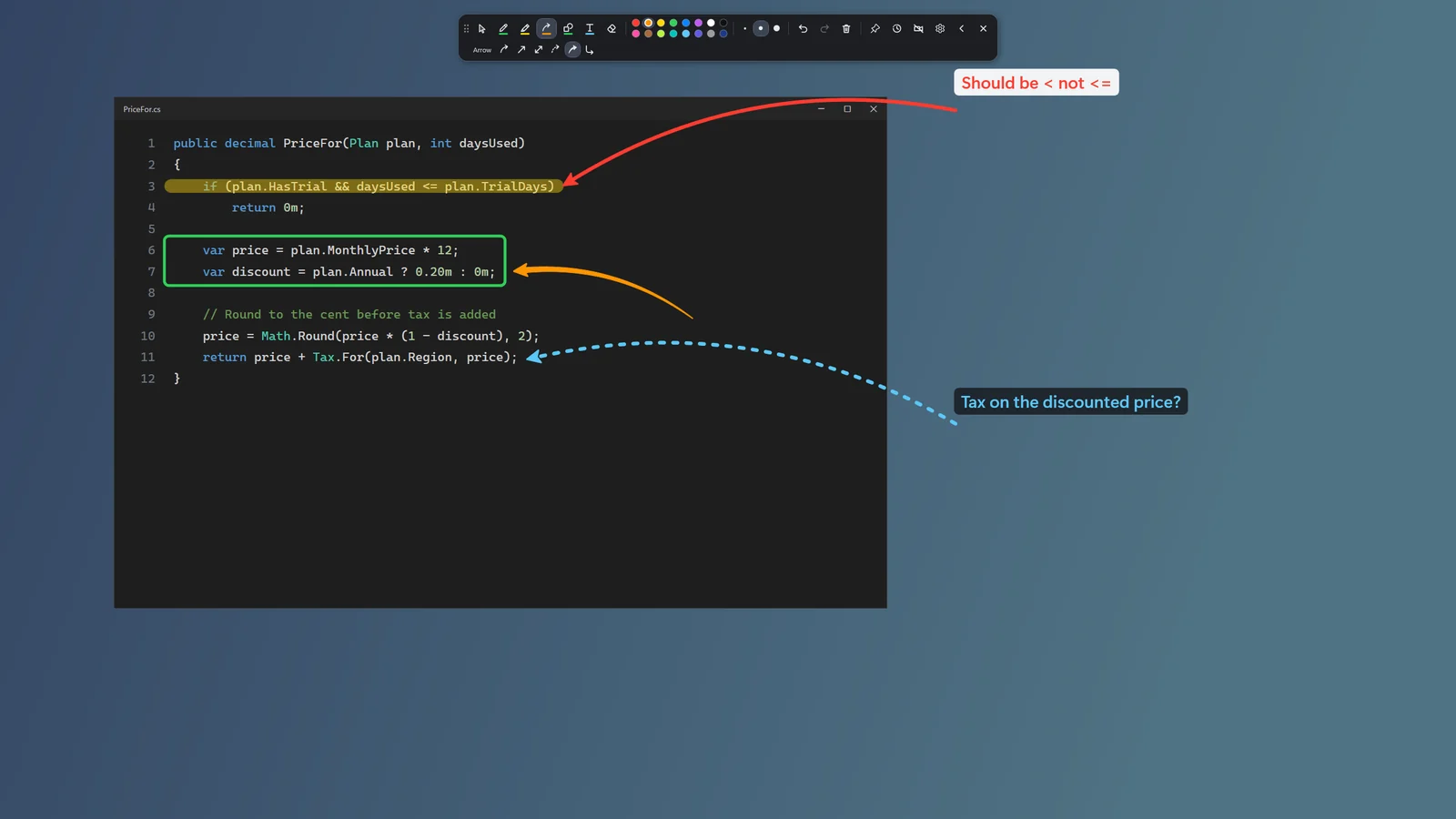
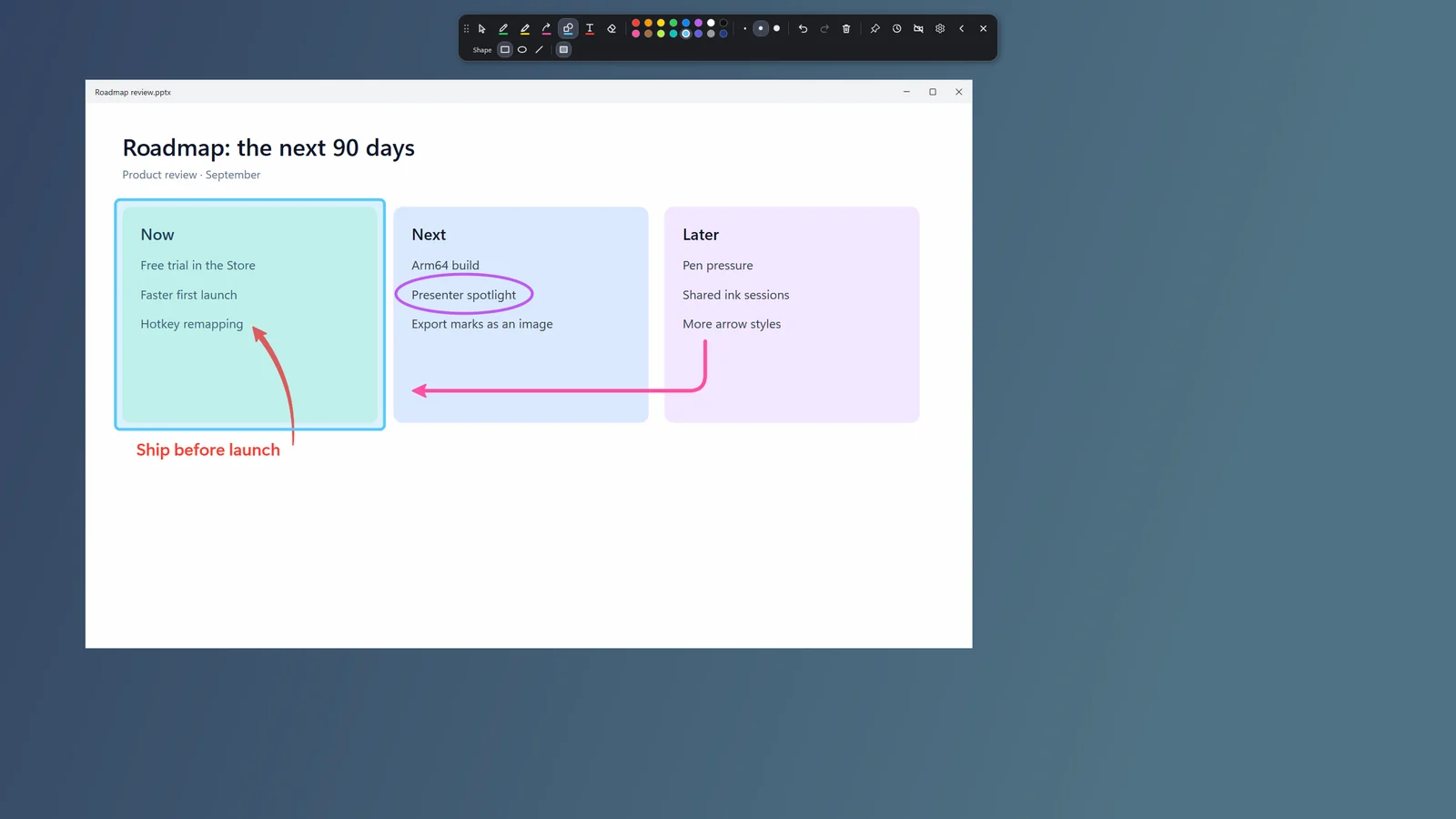
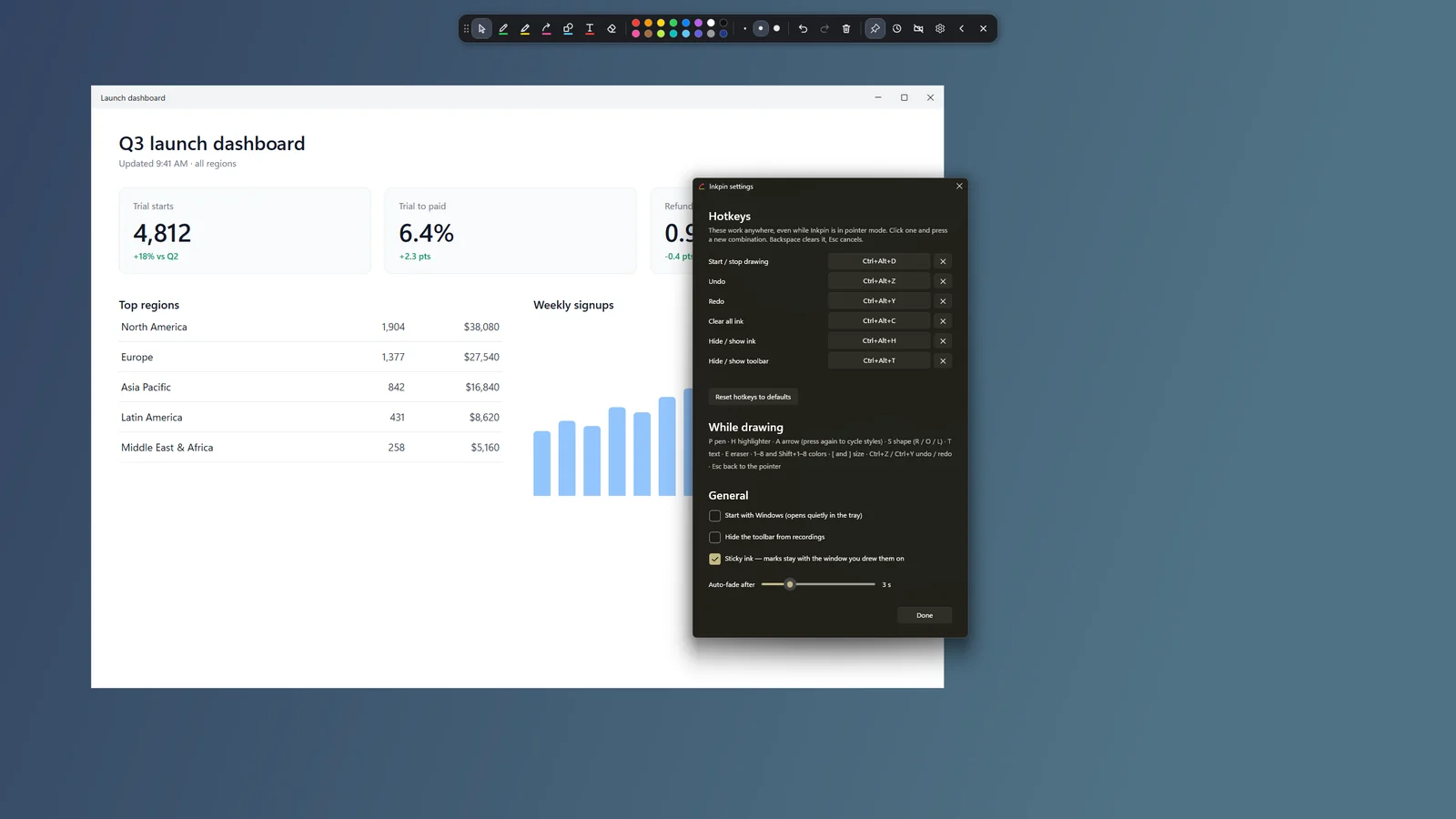
Most screen markers leave your drawing floating on the glass. The moment you scroll or move a window, the arrow points at nothing. Inkpin pins each mark to the window you drew it on. Move the window and the mark moves with it. Scroll the page and the highlight scrolls with the text. Cover the window with another one and the mark hides behind it, just like the content underneath.
Tools
- Pen for freehand notes, smoothed as you draw.
- Highlighter that always sits under your pen ink.
- Six arrow styles: curved, straight, double-headed, dashed, swoosh and elbow. The curved arrow bends on its own.
- Rectangles, ellipses and lines, with an optional tinted fill.
- Text labels, with an optional backing plate so they read on any background.
- 16 colors and three sizes, plus eraser, undo, redo and clear.
Built for recording
- Shows up in OBS, the Snipping Tool recorder, Teams and Zoom when you capture or share the whole screen.
- Never takes keyboard focus from the app you’re demoing, so videos keep playing and your cursor stays put.
- Hide the toolbar from recordings while you still see it.
- Auto-fade makes each mark disappear a few seconds after you draw it.
- Draw across all your monitors.
Stays out of your way
- Global hotkeys you can remap: Ctrl+Alt+D to start drawing from anywhere.
- Single-letter tool shortcuts only while you’re drawing.
- Lives in the tray and can start quietly with Windows.
Questions
Is there a free trial?
Yes. Every feature is free for 7 days through the Microsoft Store, then $19.99 once.
Will my drawings show up in my recording?
Yes, when you record or share the whole screen (display capture). Capturing a single app window leaves the ink out, because the ink is drawn above that window rather than inside it.
Which PCs does it run on?
Windows 10 (version 2004 or later) and Windows 11. It runs on Arm laptops too, through Windows’ built-in x64 emulation.
Does it collect anything?
No. Inkpin has no account, never connects to the internet, and has no analytics. The full policy is below.
Something not working?
Email support@creativeaitools.com.
$19.99 · 7-day free trial
Privacy policy
Effective date: September 14, 2026
Inkpin is a Windows app by Creative Ai Tools that lets you draw on your screen over any window. This policy explains what the app does with your information. The short version: it does not collect, store, or share any personal data.
What the app collects
Nothing. Inkpin has no account or sign-in, never connects to the internet, contains no advertising, and includes no analytics or tracking software of any kind. It has no server. No information about you, your device, or what is on your screen is sent to us or to anyone else.
What stays on your device
Your drawings exist only on screen while the app is running and are never saved. Inkpin saves its settings (colors, sizes, hotkeys, and where you left the toolbar) in a file in your Windows user profile. If you turn on Start with Windows, Windows itself records that choice.
When sticky ink is on, Inkpin looks at small areas of your screen around each mark so it can tell when a window moves, scrolls, or is covered by another window. Those pixels are compared in memory and immediately discarded. They are never saved, recorded, or transmitted. Turning sticky ink off stops this entirely.
Screen recording and screen sharing
Inkpin does not record or share your screen. Your marks appear in recordings and screen shares because the app you record or share with captures them, and that app’s own privacy policy applies.
Location, camera, microphone, contacts, files
The app does not access any of these.
Children
Inkpin is suitable for all ages and collects no data from anyone, including children.
Purchases and Microsoft
Inkpin is sold through the Microsoft Store. Purchases and free trials are handled by Microsoft, and we never receive your payment details. Like every app in the Store, Inkpin is subject to Microsoft’s own privacy practices. Microsoft may give us aggregate sales figures and anonymous crash reports through its developer dashboard; none of it identifies you.
Changes to this policy
If the app ever changes what it does with data, this page will be updated and the effective date revised.
Contact
Questions about this policy: support@creativeaitools.com.